Amazon Variations Grid
Visual examples
Four ways to create a variation
Each example shows the original image, the input used for the variation, and the real generated result from the matching shot.
Swatch
Change the dress fabric from a swatch
A fabric swatch becomes a new SKU while the model, pose, lighting, and shot stay the same.
Original dress image
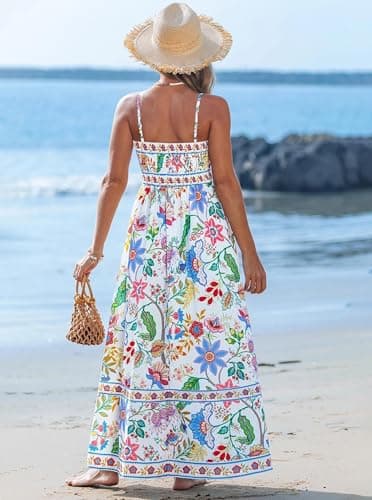
Gingham swatch

Generated variation

Variation photo
Use a rough reference photo for a new rug design
The reference does not need to be production-ready. It only needs to show the color, pattern, or material direction.
Original rug image
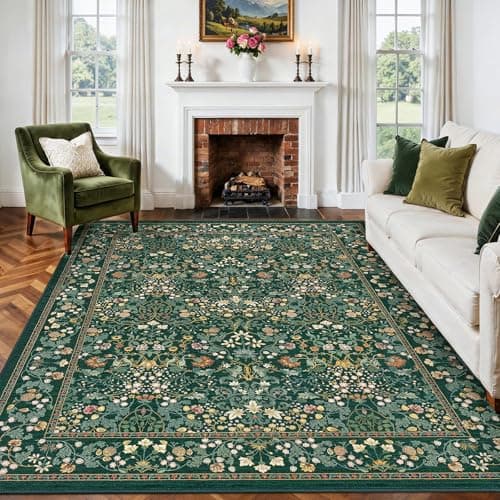
Reference photo

Generated variation

Color / hex
Use a color value when you do not have a reference image
A color input is enough when the change is simple and the product structure should stay consistent.
Original dress image
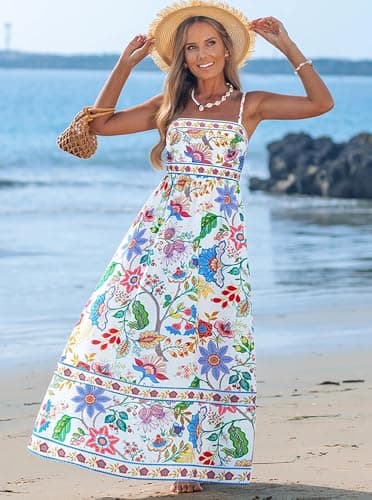
Color value
Sage linen / #9AA68A
Generated variation

Text description
Describe the variation in plain English
No image is required. A detailed material or pattern description can drive the variation by itself.
Original dress image
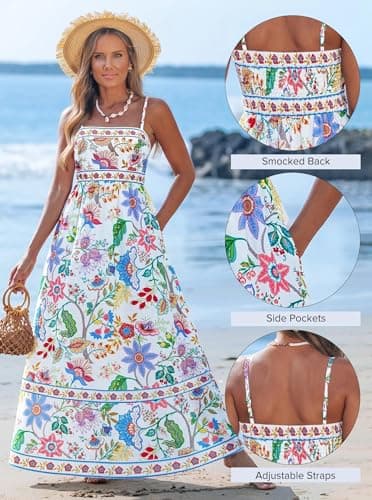
Text prompt
Hand-painted desert mirage ombre silk with warm sand, rose, and lavender tones.
Generated variation

Generation modes
Choose how closely the result should follow the original image.
Most variation work uses base image plus variation plus prompt because the goal is direct duplication. The other modes are there when you want more freedom.
Base image + variation + prompt
Best for direct duplication. Keep the scene, model, shadows, pose, camera angle, and composition while changing the product color, pattern, material, or design.
Base concept
Best when you want the same idea without every listing looking identical. It keeps the concept, but allows a new person, setting, pose, or scene.
Prompt only
Best when you do not need the original image and want to generate from a text direction only.
Production workflow